
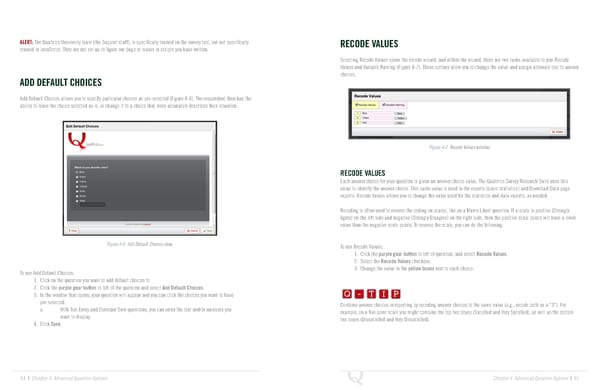
ALERT: The Qualtrics University team (the Support staff), is specifically trained on the survey tool, but not specifically RECODE VALUES trained in JavaScript. They are not set up to figure out bugs or issues in scripts you have written. Selecting Recode Values opens the recode wizard, and within the wizard, there are two tasks available to you: Recode Values and Variable Naming (Figure 4-7). These options allow you to change the value and assign alternate text to answer choices. ADD DEFAULT CHOICES Add Default Choices allows you to specify particular choices as pre-selected (Figure 4-6). The respondent then has the ability to leave the choice selected as is, or change it to a choice that more accurately describes their situation. Figure 4-7 Recode Values window. RECODE VALUES Each answer choice for your question is given an answer choice value. The Qualtrics Survey Research Suite uses this value to identify the answer choice. This same value is used in the reports (basic statistics) and Download Data page exports. Recode Values allows you to change the value used for the statistics and data exports, as needed. Recoding is often used to reverse the coding on scales, like on a Matrix Likert question. If a scale is positive (Strongly Agree) on the left side and negative (Strongly Disagree) on the right side, then the positive scale points will have a lower value than the negative scale points. To reverse the scale, you can do the following: Figure 4-6 Add Default Choices view. To use Recode Values: 1. Click the purple gear button to left of question, and select Recode Values. 2. Select the Recode Values checkbox. Q-TIP -TIP To use Add Default Choices: 3. Change the value in the yellow boxes next to each choice. 1. Click on the question you want to add default choices to. Q - T I P 2. Click the purple gear button to left of the question and select Add Default Choices. 3. In the window that opens, your question will appear and you can click the choices you want to have Q - T I P pre-selected. Combine answer choices in reporting by recoding answer choices to the same value (e.g., recode both as a “3”). For a. With Text Entry and Constant Sum questions, you can enter the text and/or numbers you - T I P want to display. example, on a five point scale you might combine the top two boxes (Satisfied and Very Satisfied), as well as the bottom 4. Click Save. two boxes (Dissatisfied and Very Dissatisfied). 64 | Chapter 4: Advanced Question Options Chapter 4: Advanced Question Options | 65
 The Complete Research Suite Page 32 Page 34